Text-to-Video vs Image-to-Video: Which One to Use
Every AI video tool offers two doors: describe a clip in words, or hand it a still image and describe how that image should move. They are not interchangeable. One gives you freedom, the other gives you control, and choosing wrong is why so many clips feel almost right but unusable.
Text-to-Video: Freedom, Less Control
Starting from text, the model invents the subject, the set, the wardrobe and the light along with the motion. That is ideal for exploration and for shots where nothing specific has to match — abstract b-roll, establishing atmosphere, texture inserts. It is a poor choice when a particular product, face or location must appear exactly as it is.
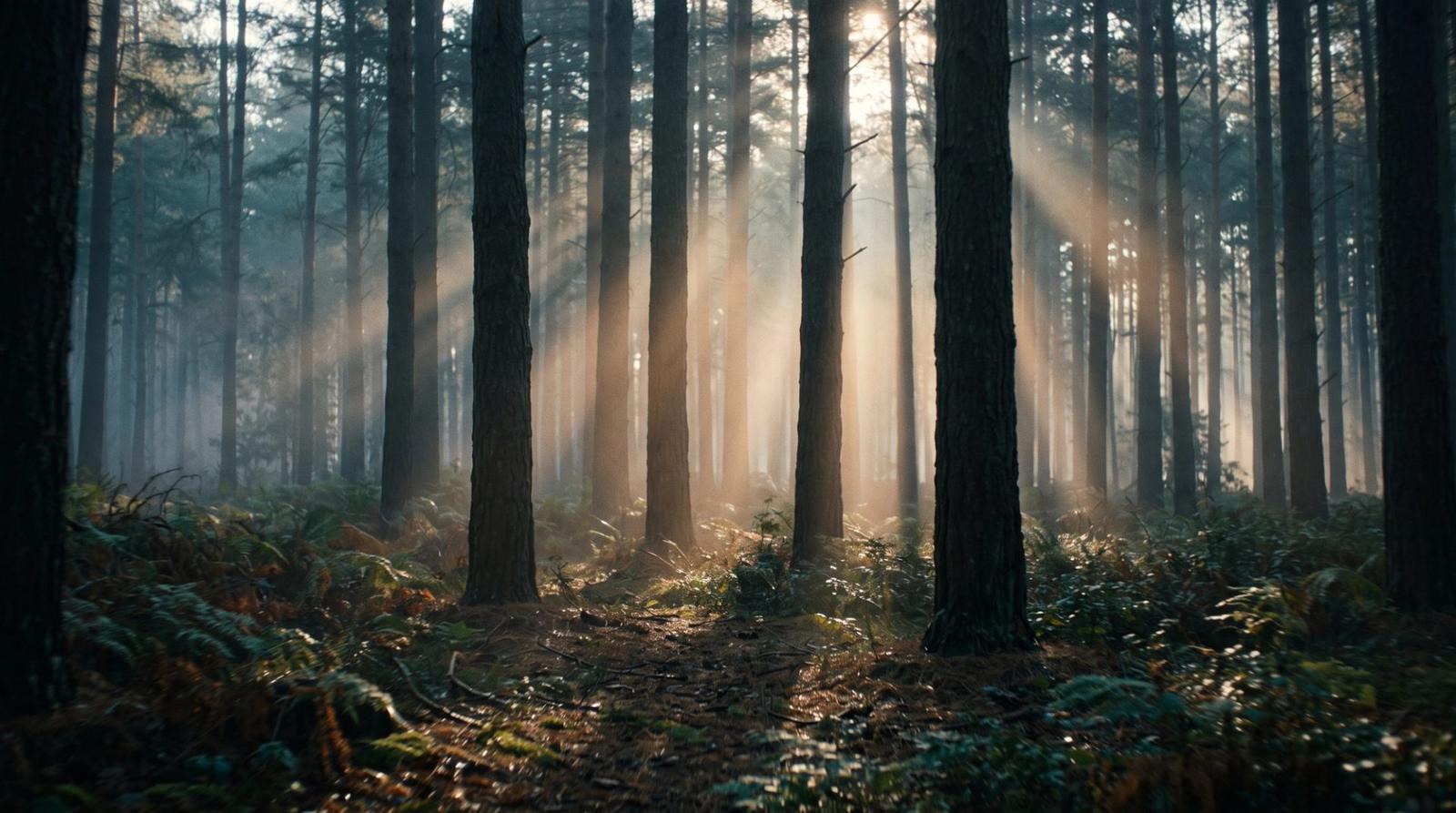
Cinematic 8-second clip: morning mist drifting through a pine forest, shafts of low sunlight cutting between the trunks, slow forward dolly at walking pace, shallow depth of field, anamorphic 2.39:1 framing, natural ambient sound design, subtle film grain, no camera shake, no text or watermarkImage-to-Video: Control, Less Freedom
Starting from a still locks the look. Composition, color, product, wardrobe and face are already decided, and the model only has to animate. For brand work this is almost always the right door: you approve the frame first, then ask for one clear movement.
Animate this still with a single continuous motion: slow 10% push in toward the subject over 8 seconds with a gentle parallax between foreground and background, subtle natural movement in the fabric and hair, consistent lighting throughout, locked composition with the subject staying centered, no new objects, no morphing, no camera shakeOne Movement per Clip
The most common failure in both modes is asking for too much. A push and a pan and a tilt in eight seconds produces mush. Name one movement, one duration and one subject action, then cut to a second clip for the next idea. Editors build sequences from simple shots, not from complicated ones.
A Practical Hybrid
The strongest workflow uses both doors. Generate and refine a still until the frame is genuinely good — composition, grade, product accuracy all approved — then feed that still to image-to-video with a single movement instruction. You get the control of a chosen frame and the motion of a generated clip, with far fewer discarded takes.
- Use text-to-video for atmosphere and image-to-video for anything that must match a brand.
- Keep clips at 5–8 seconds; longer generations drift.
- State the frame rate and aspect ratio so clips cut together cleanly.
- Add 'no morphing, no warping, consistent lighting' to every image-to-video brief.
Pick the door by how much must stay exactly as designed. Freedom for atmosphere, a locked still for anything with a logo on it.