Aspect Ratios for AI Images: Which to Use and When
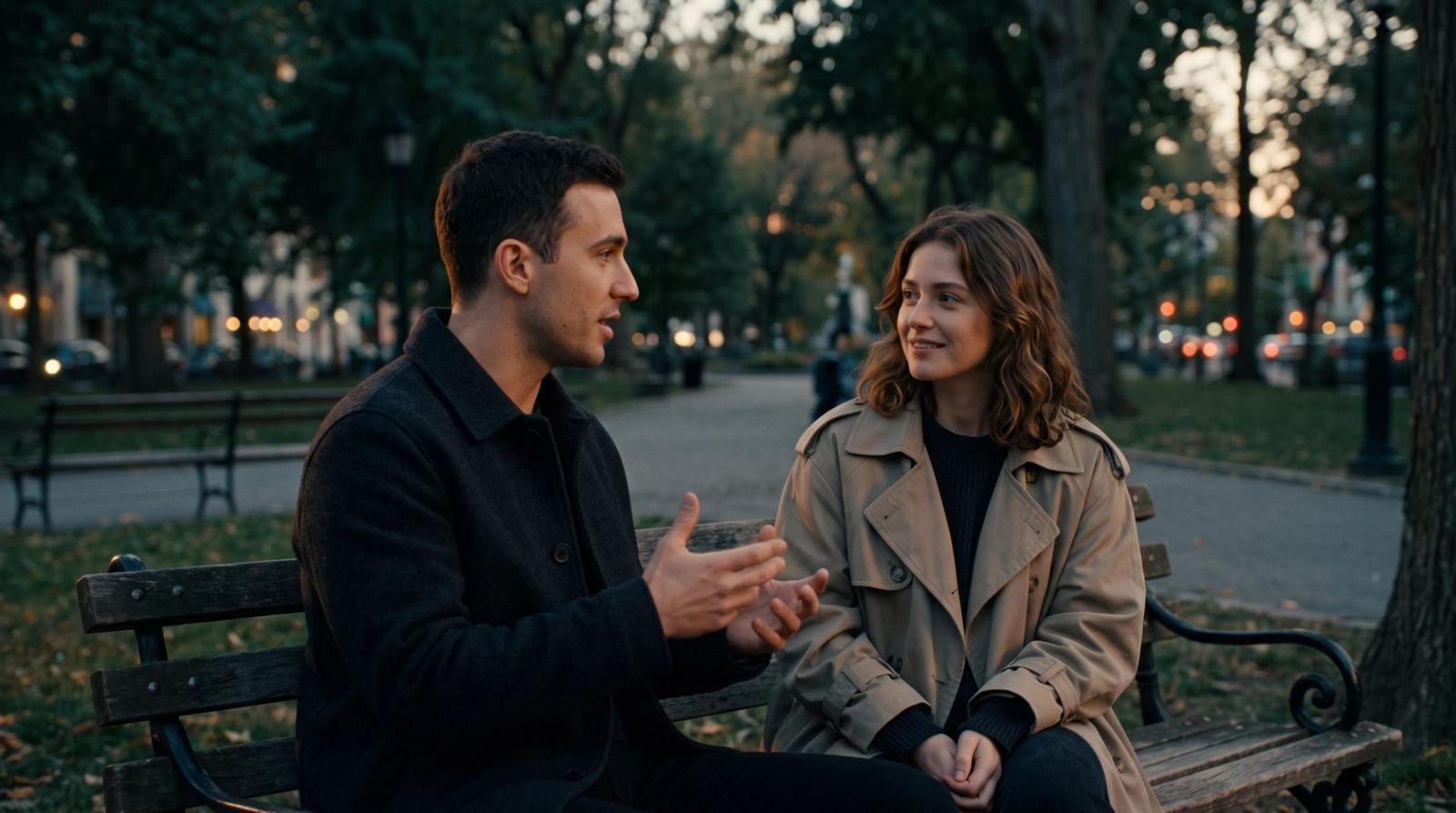
Aspect ratio is usually treated as an export setting, chosen after the image exists. That is backwards. The ratio changes what the model composes: a square crops tight to the subject, a vertical frame invites headroom and negative space, a wide frame demands an environment to fill. Choose it first and the composition arrives correct instead of cropped.
What Each Ratio Is Actually For
- 1:1 square — marketplace grids, profile images, anything that must survive a thumbnail.
- 4:5 portrait — the largest ratio Instagram shows in-feed; best for products and people.
- 9:16 vertical — Reels, Stories, TikTok. Full-screen on a phone, nothing else comes close.
- 16:9 landscape — websites, YouTube thumbnails, presentation slides, hero banners.
- 3:2 classic — the standard camera frame; reads as photography rather than a graphic.
Ratio Changes Composition, Not Just Cropping
Ask for a portrait in 16:9 and the model fills the extra width with environment — a room, a street, context you may not want. Ask for the same portrait in 4:5 and it moves closer, because the frame has no space to fill. If a generation keeps including clutter you did not ask for, the ratio is often the cause, not the prompt.
Portrait of a ceramicist at her wheel, warm window light from camera left, 85mm lens at f/2, photorealistic — 4:5 for a tight, intimate frame; 16:9 for the same subject with the studio and shelves of finished work visible behind herDesign for the Safe Area
Vertical social formats cover the top and bottom of the frame with interface: profile names, captions, buttons. Compose for the middle. Asking for 'the subject centered with clear headroom and empty space at the bottom for captions' protects your image from being covered by the app it lives in.
Generate Wide, Crop Down — With One Exception
If an image needs to appear in several places, generate the widest version you need and crop downward; you can always remove width, never invent it. The exception is 9:16: a vertical frame composed as vertical is dramatically better than a landscape image cropped into one, because the model places the subject for the tall frame from the start.
- Name the ratio in the prompt as well as the setting — many tools weight both.
- For ads, generate 1:1, 4:5 and 9:16 separately rather than cropping one master.
- Wide ratios need a background worth seeing; if you have none, go tighter.
- Check faces near the edges — wide frames tend to push subjects off-centre.
Pick the ratio for the place the image will live, then write the prompt for that frame. It costs nothing, and it removes most of the recomposing that eats an afternoon.