Retouching Without Plastic Skin: AI Portrait Edit Prompts
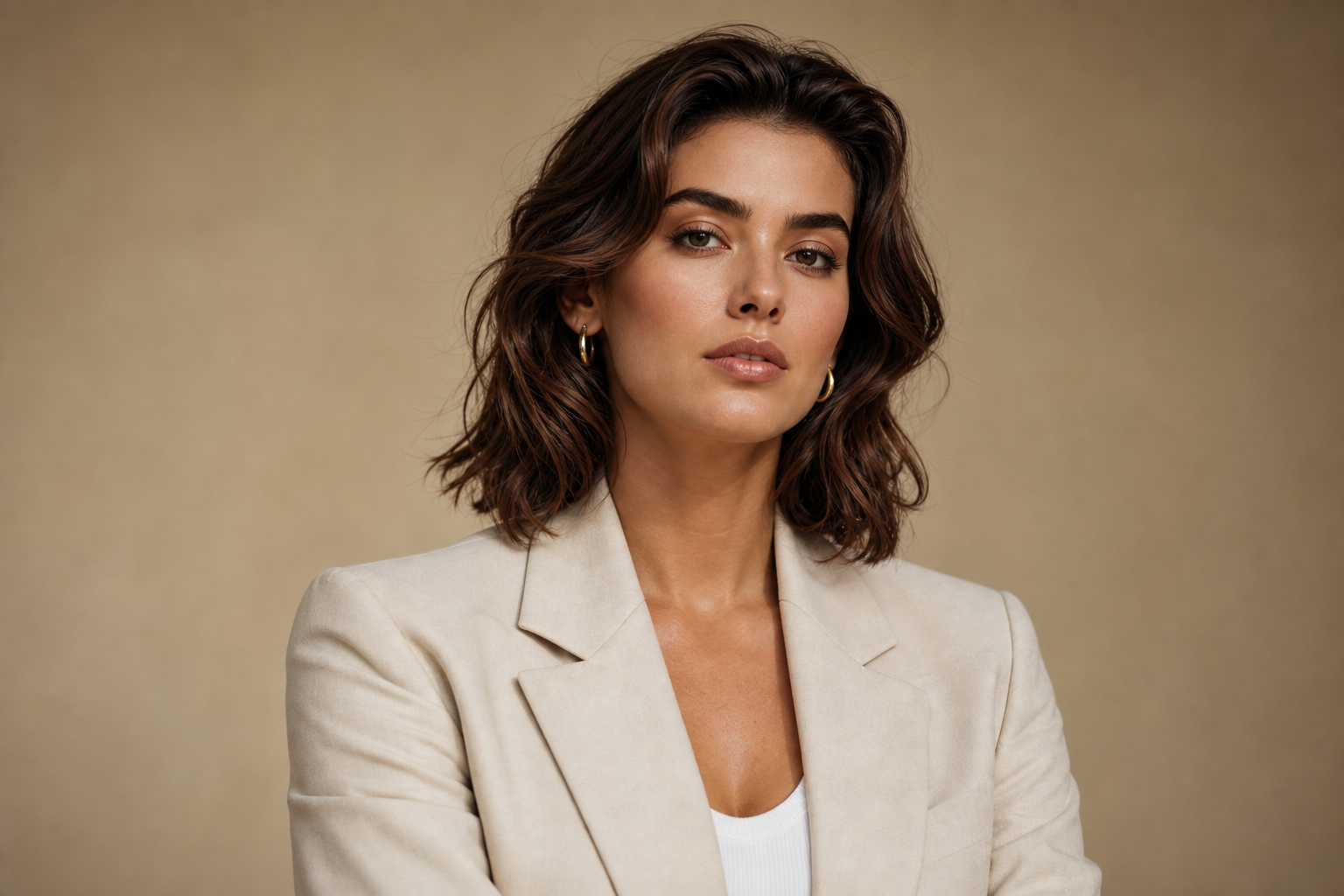
Ask an AI to 'retouch this portrait' and it will hand you back a stranger with airbrushed skin, symmetrical features and the faint glow of a phone case advert. Professional retouching does the opposite of what the default does: it removes temporary distractions and leaves permanent character intact.
Temporary Versus Permanent
This is the distinction that makes retouching prompts work. Temporary things — a spot that will be gone next week, a stray hair across the cheek, a dust speck on the lens — can go. Permanent things — freckles, moles, scars, laugh lines, skin tone variation — stay, because they are the person. Write that rule into the instruction and the model follows it surprisingly well.
Natural Portrait Retouch: Retouch the uploaded portrait like a professional beauty retoucher. Remove only temporary blemishes, stray hairs across the face and lens dust. Preserve the subject's facial identity, bone structure, freckles, moles, scars, laugh lines, natural skin tone variation and visible pore texture. Even out distracting redness slightly. Produce a clean, magazine-quality result that still looks like a real photograph. Do not smooth or blur the skin, do not reshape the face or body, do not whiten teeth or eyes artificially, and do not add makeup.
Dodge and Burn, Not Blur
Retouchers even out skin by adjusting brightness in tiny areas, never by softening the surface. You can ask for exactly that: 'even the skin tone using dodge-and-burn style local brightness adjustments, keeping all texture intact'. It is a phrase the model recognises, and it produces far better results than any variation of 'smooth the skin'.
Eyes and Teeth: Restraint Wins
The fastest way to make a portrait look edited is to over-brighten eyes and teeth. Ask for 'a subtle lift in eye brightness only where catchlights already exist' and 'teeth cleaned of stains but kept naturally off-white'. If you say nothing, you will get piano keys and headlights.
Corporate Headshot Polish: Polish the uploaded headshot for a company website. Even skin tone with local brightness adjustments only, tidy stray hairs, remove lint from the jacket and reduce shine on the forehead. Preserve identity, pore texture, expression, hair shape and the original lighting. Produce a confident, approachable, professional result suitable for LinkedIn. Do not smooth skin, do not slim the face, do not change eye colour, and do not alter the background.
Say No to Silent Reshaping
Models quietly slim jaws, enlarge eyes and narrow waists because the training data is full of images that did the same. Unless you have explicitly been asked for that, add 'do not reshape the face or body in any way' to every portrait edit. It is the single most important line in a retouching prompt, and the one people forget.
- Compare before and after at full size — if the person looks 'better' rather than 'the same, on a good day', you went too far.
- Retouch in two passes: blemishes first, tone second.
- For group photos, name the number of people so nobody gets merged or removed.
- Ask for 'no change to the background' or you will get a new one for free.
The best retouch is the one nobody notices. Give the model a clear list of what is temporary, protect everything else, and you will get a portrait that still belongs to the person in it.