Batch Editing Product Photos With AI: A Repeatable Workflow
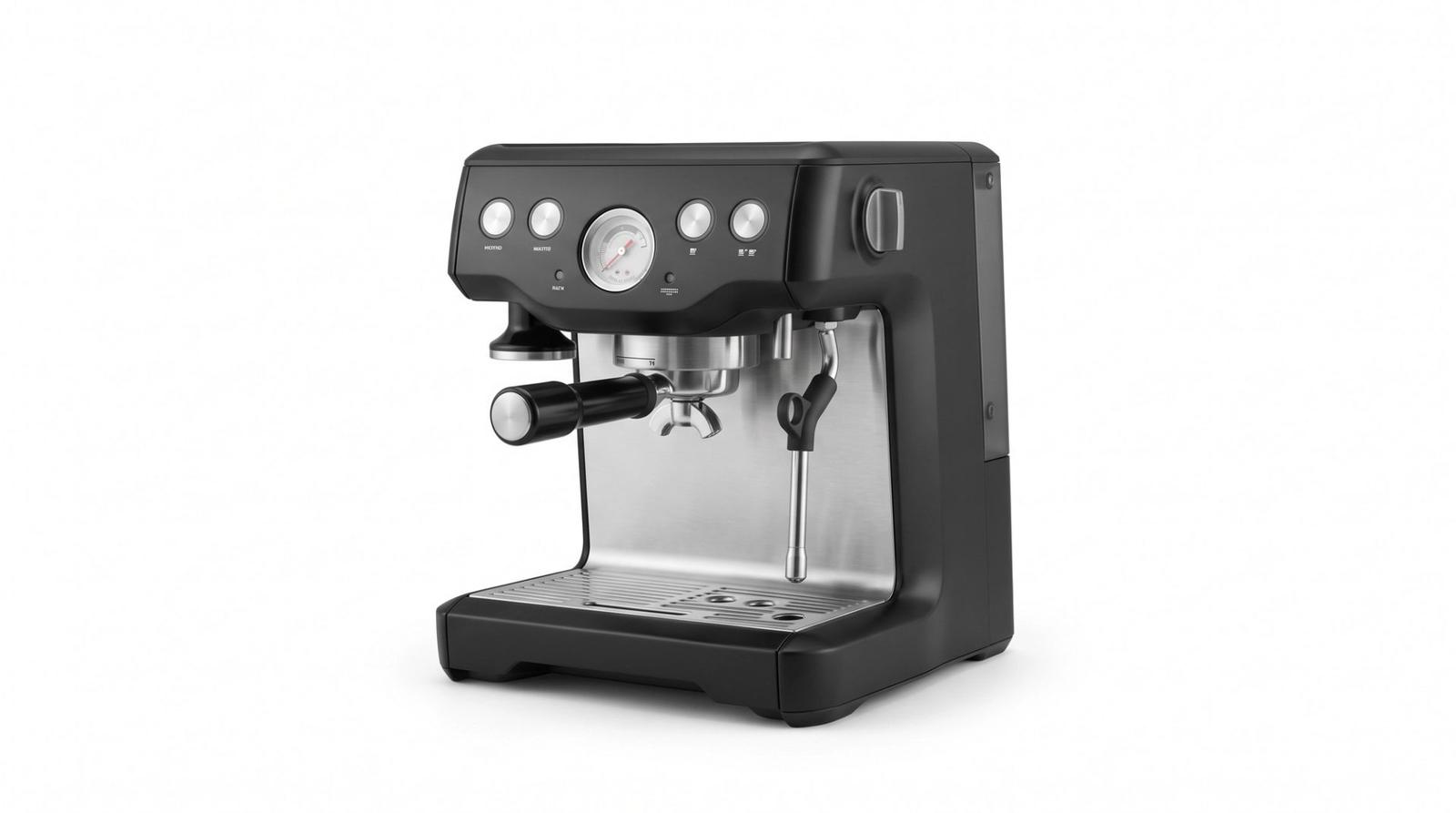
Editing one product photo with AI is easy. Editing two hundred so they look like one shoot is the actual problem. The solution is not a better prompt for each image — it is one fixed instruction applied in the same order every time, plus a quick check that catches drift before it reaches the storefront.
Write the House Style Once
Decide background, lighting direction, shadow treatment and color policy once, then never rewrite them. Every image gets the identical block; only the product name changes. Variation in the instruction is the main source of variation in the output.
Edit this product photo to our catalogue standard: replace the background with a pure white seamless studio background, keep the product's shape, proportions, color and all surface detail exactly as they are, add a soft realistic contact shadow directly beneath the product, even neutral lighting with no color cast, clean the surface of dust and fingerprints, and centre the product with equal margins. Do not restyle, recolor or reshape the product.Fix the Order of Operations
Order matters because each step constrains the next. Doing them in a different sequence per image produces inconsistent results even with identical wording.
- 1. Straighten and correct perspective.
- 2. Remove or replace the background.
- 3. Clean the product surface: dust, lint, fingerprints.
- 4. Add the contact shadow.
- 5. Normalize exposure and white balance.
- 6. Crop to the target ratio with fixed margins.
Protect the Product From the Edit
The most expensive batch mistake is an edit that quietly changes the merchandise — a shade shifted, a texture smoothed, a strap lengthened. Every instruction should contain an explicit protection clause: 'keep the product's color, material, texture and proportions exactly unchanged'. Say it in every single pass.
A Two-Minute QA Pass
Build a contact sheet of the finished batch and view it small. Inconsistencies in background tone, shadow direction and product scale jump out at thumbnail size in a way they never do full screen. Then spot-check three images at full resolution for color accuracy against the real product.
- Keep a reference image open; compare product color against it, not against memory.
- Lock one product size relative to the frame so the grid feels even.
- Name files with a version suffix so you can roll back a bad batch.
- Reject and redo rather than patching: a second edit on an edited file compounds artefacts.
One instruction, one order, one QA sheet. That is the whole workflow, and it scales from twenty products to two thousand without the catalogue falling apart.