Negative Prompts Explained: Fix Bad Hands, Artifacts, and AI Tells for Good
Nothing wastes a flawless generation faster than a six-fingered hand, a melted ear, or a phantom watermark in the corner. Negative prompts are your cleanup crew, the explicit list of everything you do not want, and using them well is the difference between a portfolio image and a discarded reroll. Most creators ignore them and then blame the model; pros keep a tuned negative block in their back pocket for every shot.
How Negative Prompts Actually Work
Think of it as two opposing forces. Your positive prompt pulls the image toward concepts you want; your negative prompt pushes it away from concepts you don't. It is not magic spell-casting, it is steering. Target the specific, common failure modes, anatomy errors, low quality, and unwanted overlays, instead of dumping a hundred random words that fight each other.
The Universal Negative Block
Keep this reusable block and paste it into the negative field of nearly every realistic generation. It suppresses the failures that appear most often without distorting your subject.
Universal Negative: deformed hands, extra fingers, fused fingers, missing fingers, mutated hands, extra limbs, bad anatomy, distorted face, asymmetrical eyes, plastic skin, waxy, blurry, low resolution, jpeg artifacts, oversaturated, watermark, signature, text, logo
Resist the urge to over-stuff it. Ten to fifteen focused terms outperform fifty contradictory ones, an overloaded negative starts suppressing detail you actually wanted.
Fixing Hands Specifically
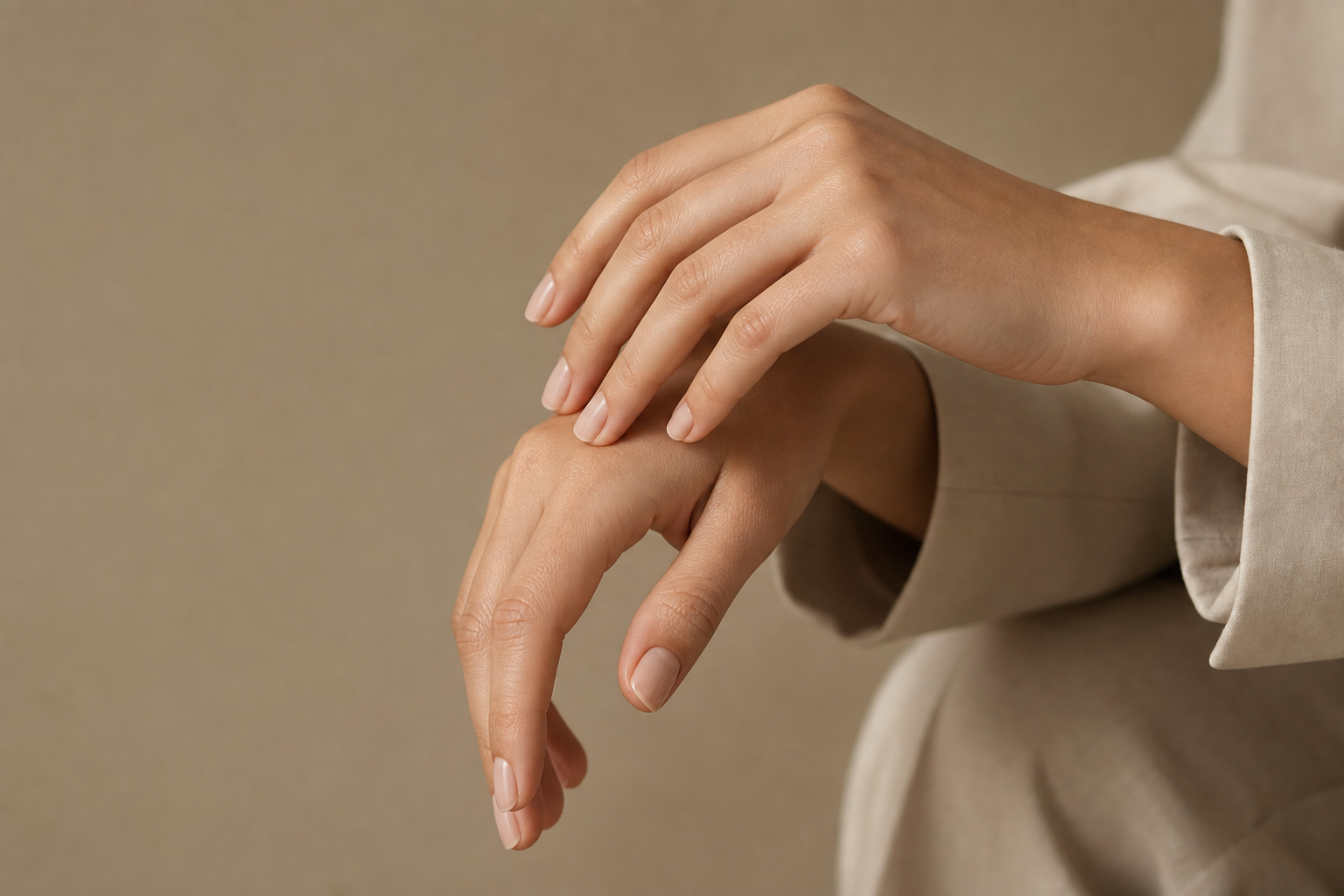
Hands break more than anything else because they have enormous pose variability and the model sees them at every angle. Attack the problem from both sides: reinforce the positive prompt with 'anatomically correct hands, five fingers, natural relaxed pose', and when hands are not the subject, compose them partially out of frame or resting naturally so fewer fingers are exposed to error. For a near-perfect image with one broken hand, don't reroll the whole thing, inpaint or transform just that region.
- Keep a reusable "universal negative" block and paste it into every realistic generation.
- For hands, add "anatomically correct hands, five fingers, natural relaxed pose" to the positive prompt.
- Compose hands relaxed or partly out of frame when they are not the subject.
- Don't over-stuff the negative; 10–15 focused terms beat 50 contradictory ones.
- Repair locally, inpaint or transform just the broken region instead of rerolling the whole image.
Negative prompts are precision steering, not superstition. Build the universal block into your workflow, reinforce anatomy in the positive prompt, and repair locally when one detail breaks. Paste the block into Manus and watch your keeper rate climb.