Why Your AI Photos Look Fake — and the Seven Fixes
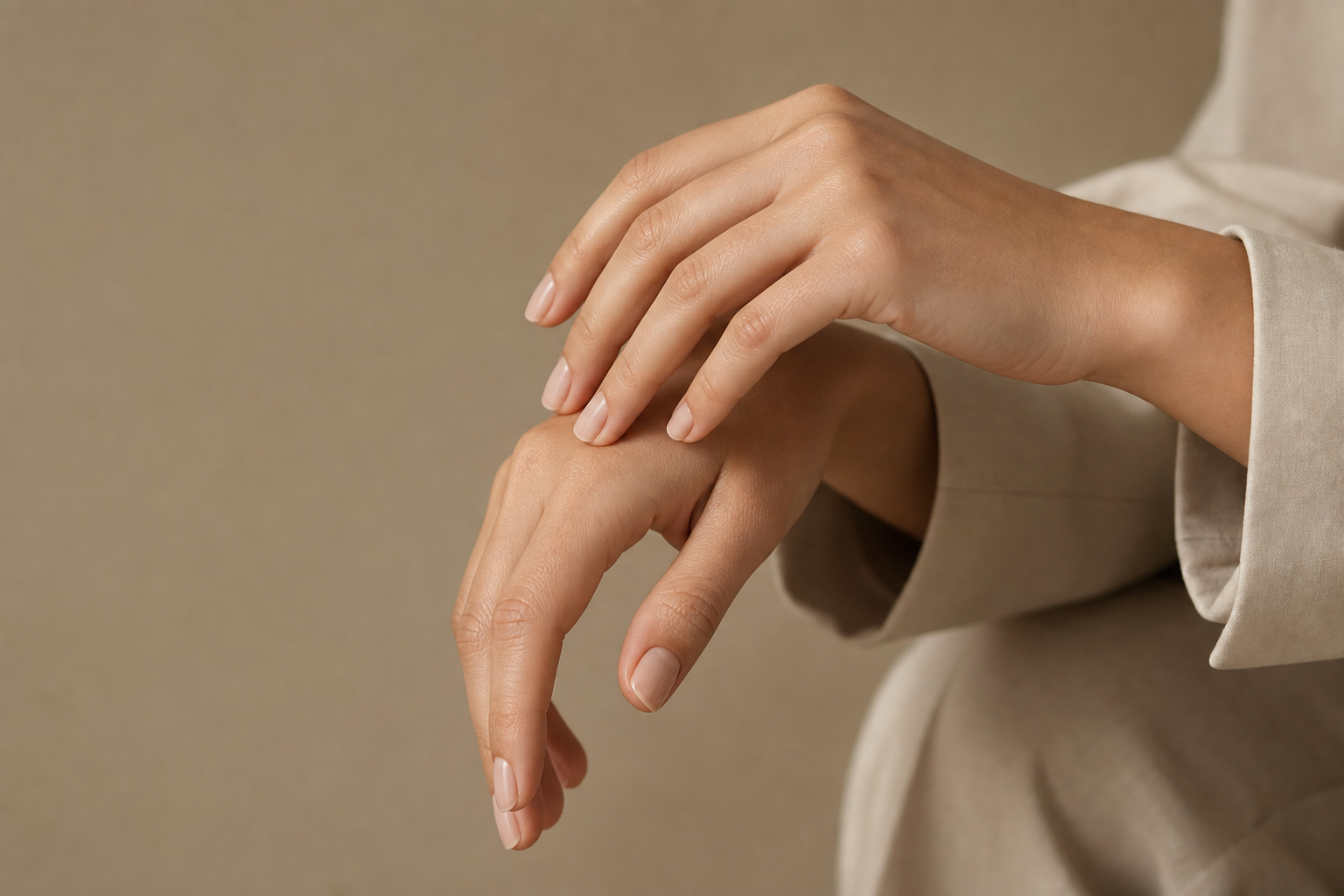
Everyone can spot an AI photo, but few people can say exactly why. It is rarely one big error — it is a stack of small physical impossibilities that your eye catches before your brain explains them. Fix the seven below and most viewers will stop squinting at your images and simply look at them.
1. Skin With No Texture
Real skin has pores, fine hairs, uneven tone and the occasional blemish. The default AI face has none of it, which is why it reads as a mannequin. Ask for the texture explicitly and forbid the over-smoothing that models default to.
Skin Fix: natural skin texture with visible pores and fine peach fuzz, slight tonal unevenness, no beauty smoothing, no plastic sheen, realistic subsurface scattering
2. Eyes Without Catchlights
A lit room puts a reflection in the eye. Without it, a portrait looks embalmed. Specify 'crisp catchlights from a large softbox at camera left' and, while you are there, ask for 'slightly moist eyes with visible iris detail'. Those two phrases do more for a portrait than any quality tag.
3. Lighting That Does Not Obey Physics
If the key light comes from the left, the shadow falls to the right — every time, on every object in frame. AI images often mix directions, giving you a face lit from the left and a nose shadow pointing the wrong way. Name one direction and add 'consistent shadow direction across the entire scene, physically accurate falloff'.
4. The Missing Contact Shadow
Objects touching a surface darken where they meet it. Composites and generations frequently float. Whenever your subject stands on, sits on, or leans against anything, ask for 'believable contact shadows where the subject meets the surface'. This single line is the difference between a product photo and a sticker.
5. Too-Perfect Everything
Real rooms have scuffs, real fabric wrinkles, real tables carry crumbs. Perfection is the loudest AI tell of all. Add one or two deliberate imperfections and the whole frame relaxes: 'slightly rumpled collar', 'a few crumbs on the counter', 'faint scuff marks on the floor'.
6. Lens Physics That Never Happened
Backgrounds blur because of aperture and distance, not because blur looks nice. If you ask for a wide-angle 24mm and creamy background blur, you are asking for something a camera cannot do, and the result looks synthetic. Match focal length to the effect: 85mm at f/1.8 for a soft background, 24mm at f/8 for a sharp environmental shot.
7. Grain-Free Digital Sheen
Every real photograph carries some noise. Absolute cleanliness reads as CGI. 'Fine film grain' or 'subtle sensor noise in the shadows' costs you nothing and buys instant believability — especially for images destined for social feeds, where over-polished frames are scrolled past.
The Realism Block: natural skin texture with visible pores, crisp catchlights in the eyes, consistent shadow direction and physically accurate falloff, believable contact shadows, slight imperfections in clothing and set, focal-length-appropriate depth of field, fine film grain, no plastic sheen, no over-smoothing, no waxy highlights
- Add the realism block last, after the subject and lighting are already right.
- Zoom to 100% and check hands, ears, jewellery and text — the four usual failure points.
- If the image still looks synthetic, reduce the number of adjectives before adding more.
- Generate four variations and pick the one with the most convincing shadows, not the prettiest face.
Realism is not a style you add at the end. It is the sum of small physical truths, and each one you state in the prompt is one fewer thing the model gets to invent.